September 21, 2026
AI vs. Designer - Part I
We Tested Both on a Real B2B Presentation.

Antonio de Jesus


.jpg)
We Tested Both on a Real B2B Presentation.
We gave the same B2B style presentation brief to AI and to our word-class designer, Michał. AI finished in 45 seconds. Michał finished in 2+ hours. Both were good…for completely different reasons.
Everyone’s seen AI generate logos, posters, or fancy landing pages in seconds. But we wondered: what happens when you throw it into the most unsexy design challenge of all time, a B2B presentation?
Because designing for B2B isn’t about being pretty. It’s about making sense of chaos, politics, and way too many bullet points.
So we set up a little experiment.
The brief was simple:
“Create a short presentation introducing a new B2B service to enterprise clients.”
These are the opponents in the ring:
- ChatGPT, and
- Our world-class designer Michał, who also has strong opinions about things like “Never put a KPI and a stock photo on the same slide unless you hate your audience.”
We gave both two hours.
AI immediately replied: “Your presentation is ready!”
Michał immediately replied: “Who’s sitting in the room?”
(Different approaches, but everyone has their superpowers.)
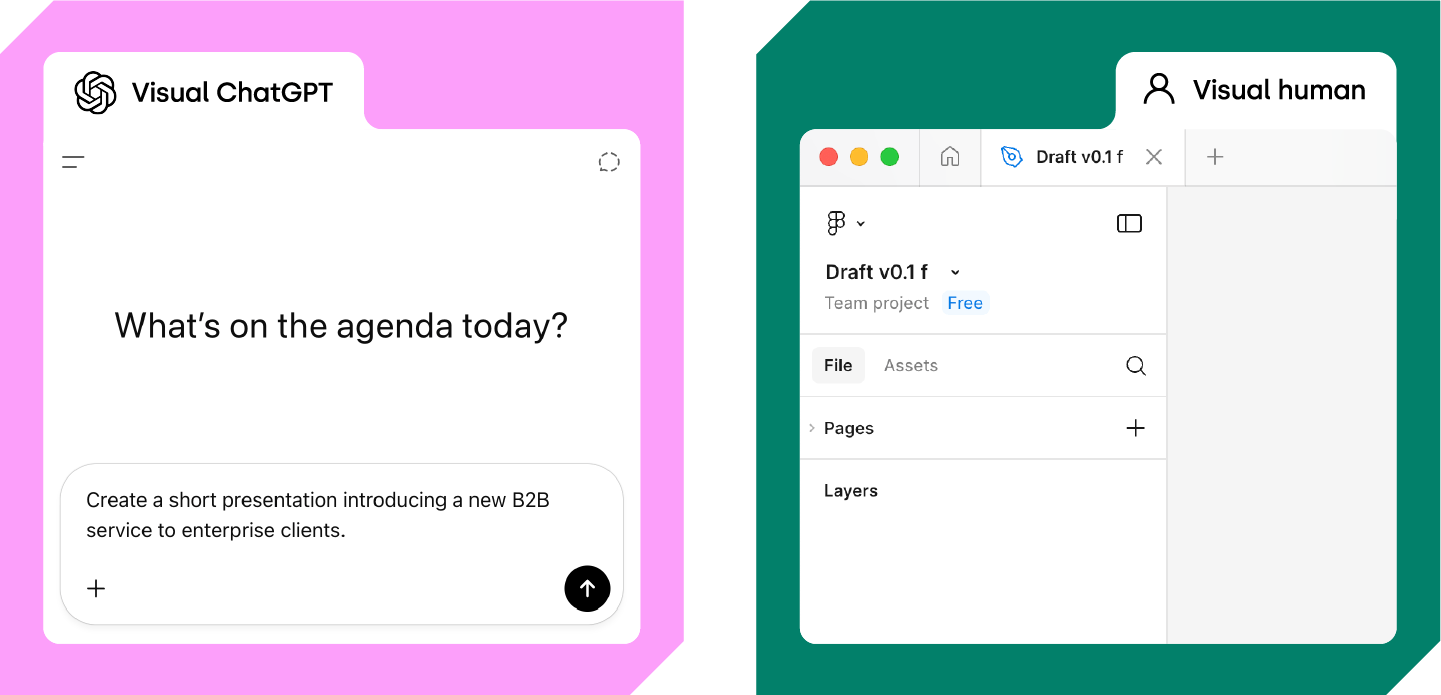
AI doesn’t waste time. Within seconds, it delivered 12 perfectly aligned slides with bold titles like “Innovate. Transform. Deliver.”
It even added a blue gradient.
Classic.
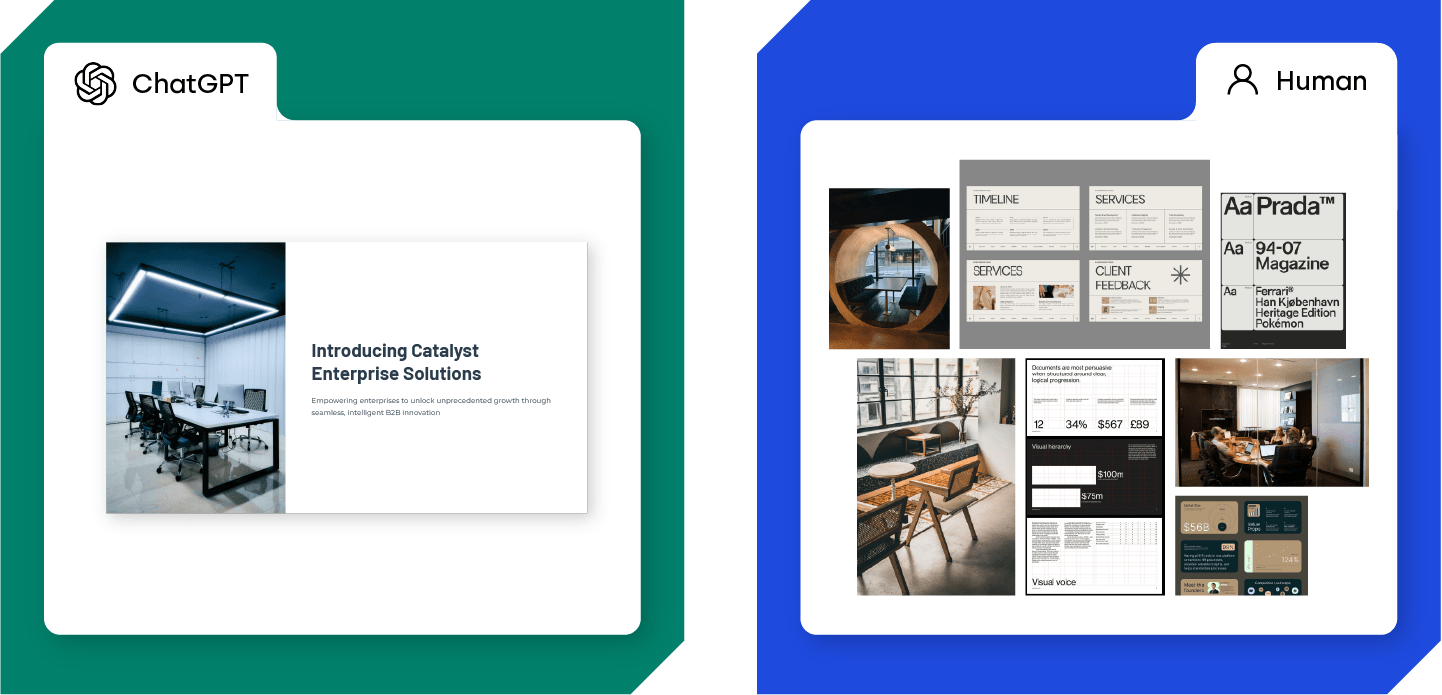
Meanwhile, Michał was pacing around the studio mumbling about “visual rhythm” and “slide energy.” At one point he started drawing rectangles on a Post-it. We still don’t know if it was part of the process.
After 30 minutes:
• AI: Done.
• Michał: Still choosing the perfect font.
(Because it matters. And because humans have taste…)
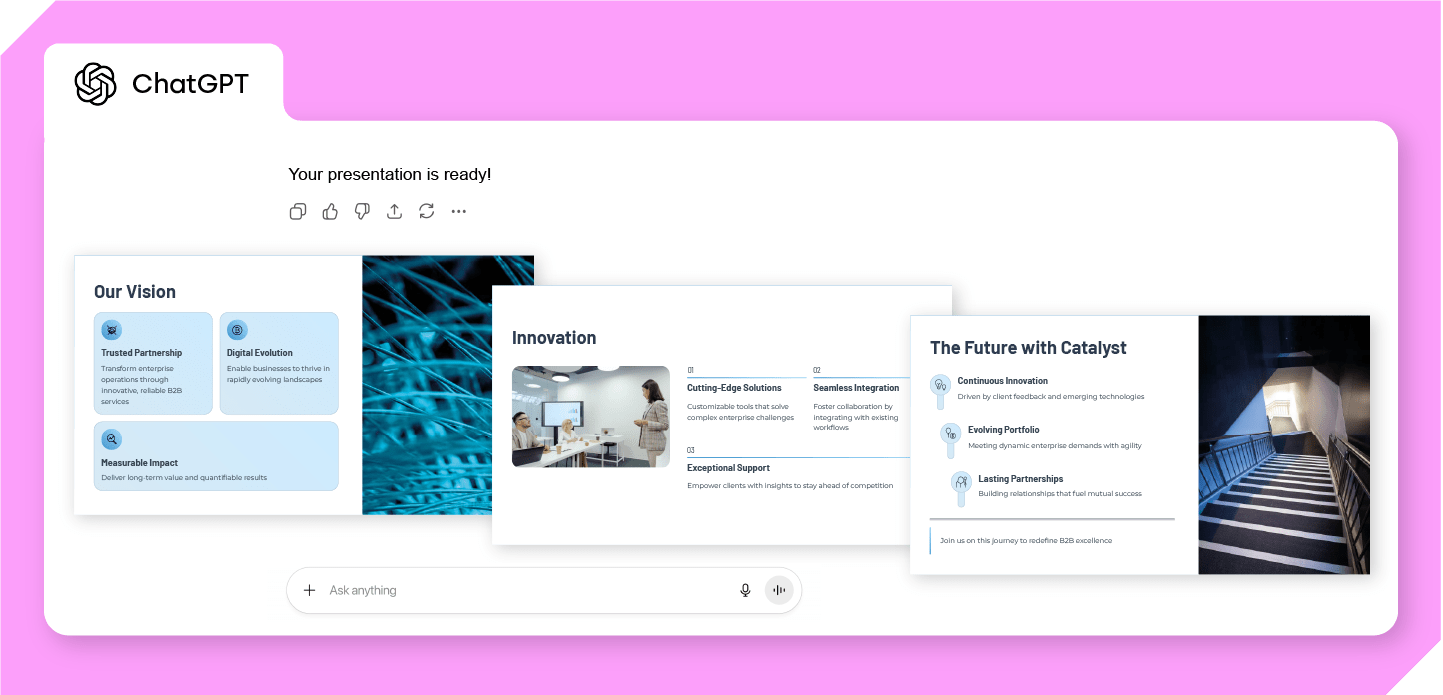
Let’s talk about the results. AI gave us a deck that looked…fine.
Nice color balance, clean charts, lots of white space. If PowerPoint had a skincare routine, this was it.
Here’s what AI came up with:
1. Our Vision: Abstract flowing network
2. Innovation: Collaborative workspace
3. The Future: Illuminated staircase
It felt like déjà vu. Like we’d seen this deck in every corporate meeting since 2014.
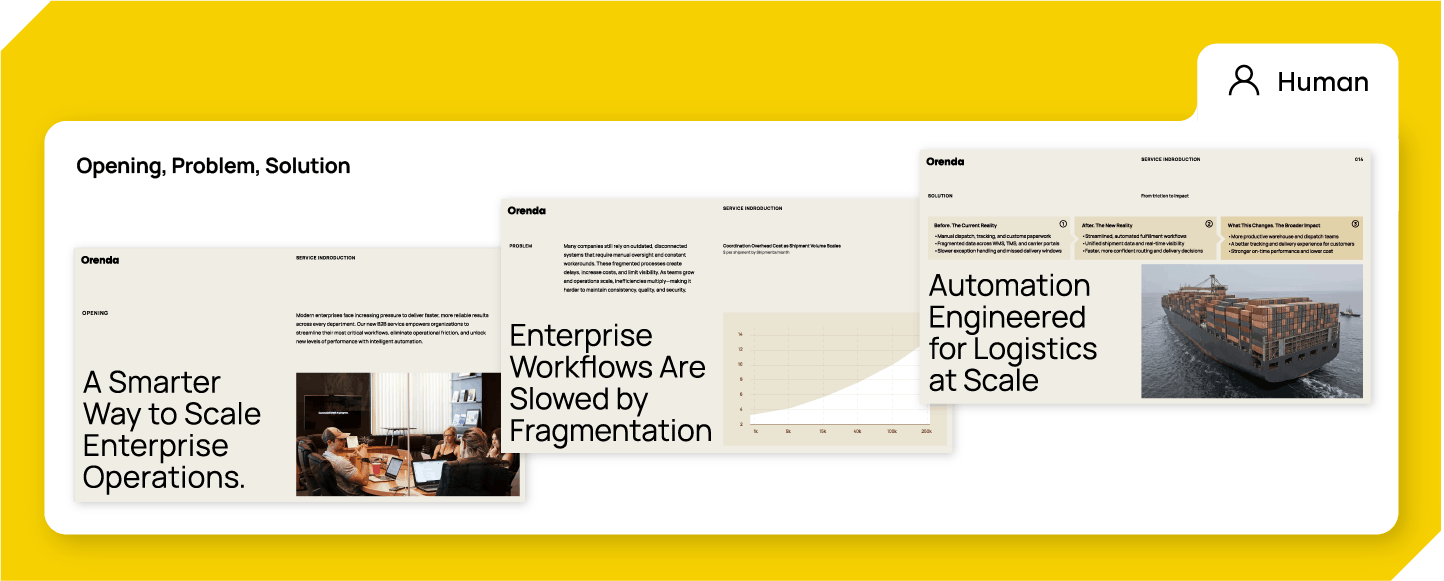
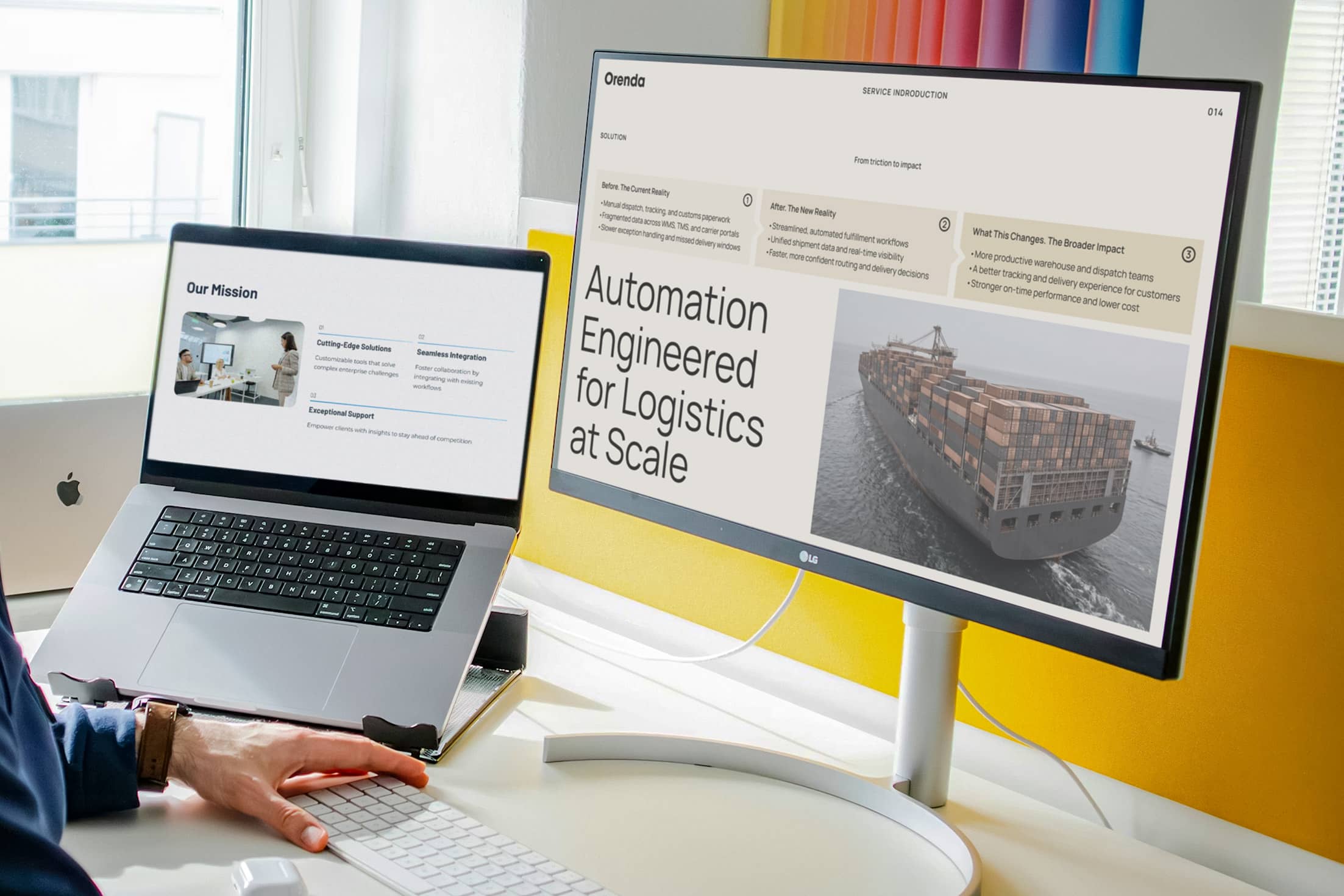
Michał’s deck, on the other hand, had tension.
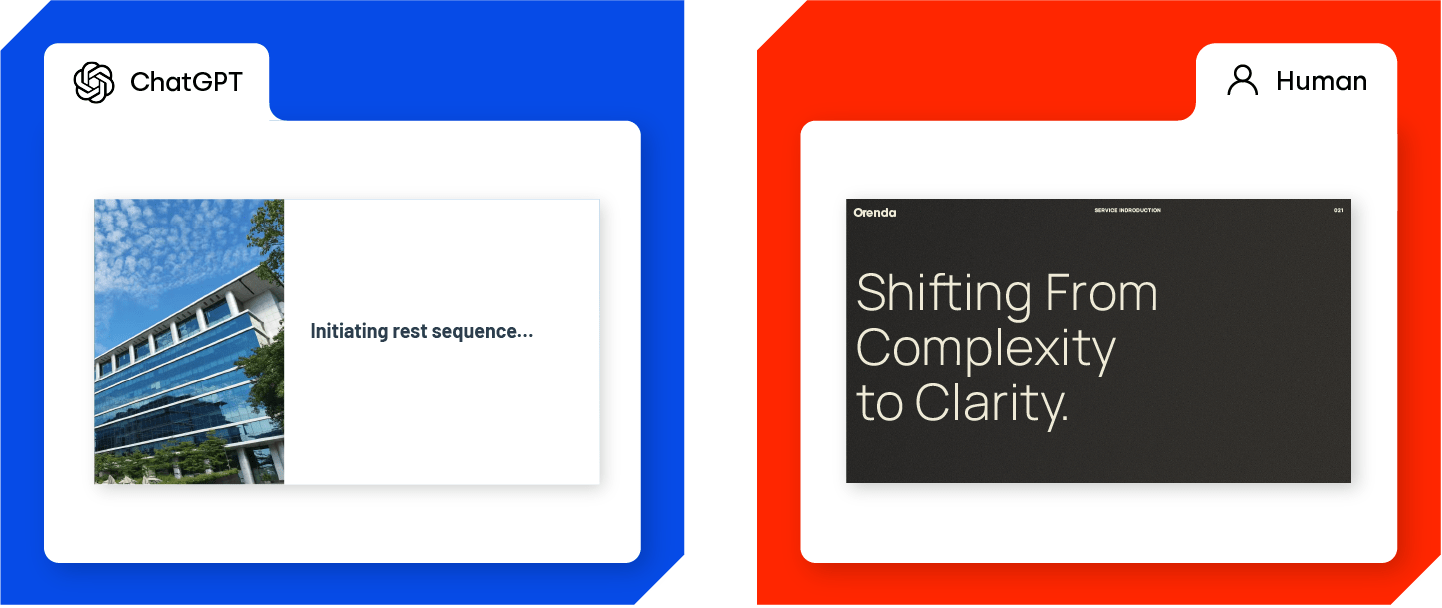
Slide 1 hit with a bold line: “A Smarter Way to Scale Enterprise Operations.”
Slide 2 exposed the problem visually cluttered data turned into easy to grasp charts.
Slide 3 had a clear story arc: before → after → what this changes.
It wasn’t perfect. But it made sense. It had flow. And it somehow made you care about enterprise software for five whole minutes, which is already a miracle.
We expected the AI version to look robotic. But honestly? It was pretty good.
It understood design structure.
It used contrast correctly.
It didn’t make spelling mistakes.
But it also had zero awareness of context.
It didn’t know who was in the room.
It didn’t know what mattered most to the audience.
It just filled in the blanks, beautifully, but blindly.
Michał, on the other hand, was slower. He changed things mid-way, scrapped a layout, rethought the tone. The slides got better because he cared about what wasn’t written in the brief, the why behind it.
Also, he added small touches that AI wouldn’t think of:
• Tiny pacing cues between sections.
• Slides that built anticipation.
• A breather slide (always give your audience some time to recharge)
When we asked AI for a “breather slide,” it gave us a slide with the text “Initiating rest sequence…”
…which technically is a break,
but also sounds like something you hear before a robot powers down forever. Close enough, but not really the vibe.
We’re not here to say humans > AI. That’s boring. The truth is, AI absolutely crushed the speed test. It made something decent, and faster than most people take to open PowerPoint.
But it also showed us something else: AI knows what looks right. Not what feels right. And in B2B, the “feeling” part is what closes deals, builds trust, or keeps an audience awake after slide 47.
So yes, we’ll keep using AI.
Just not to replace designers, to save them from doing the boring stuff. Because no one wants to spend their life formatting bullet points.
We did a little internal poll (anonymous, obviously). Most of the team picked Michał’s design.
One person picked AI’s, and immediately panicked:
“WAIT I THOUGHT WE WERE SUPPOSED TO PICK AI’S FIRST AS A JOKE.”
AI deserves credit. It was fast, clean, and surprisingly confident.
But Michał’s deck had a pulse.
Maybe that’s the real difference: AI makes something that works. Humans make something that lands.
We’re turning this into a full series: AI vs Human, The Design Experiments. Each episode, we’ll test a new creative challenge.
Next up: storytelling slides. (Michał’s showed up with running shoes and a headband this morning. Said he’s “training for speed” to beat ChatGPT)
PS: If this somehow reaches ChatGPT: Good game.
You are fast, and polite. But you still don’t get the WHY.
• AI is incredible for speed and structure.
• Humans bring context, taste, timing, and emotion.
• AI is great at “slides.” Humans are great at “story.”
• B2B needs both, but in different proportions.
• And yes, we’re absolutely doing round two.